
Trusted by 2 000+ WooCommerce store owners
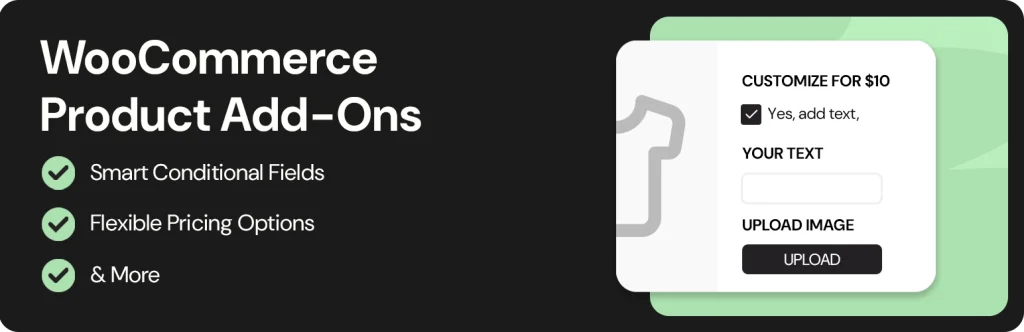

WooCommerce Product Add-Ons
Our Product Add-Ons plugin lets you easily add unlimited custom fields and advanced options to your WooCommerce product pages, increasing average order value and improving customer experience.
Quick info
How you benefit from using our plugin
Use our plugin to enhance your product pages with advanced options (free or paid), featuring a number of fields like radio buttons, checkboxes, dropdowns, text inputs, image uploads, date pickers, and more.
Showcase Product Variations Visually
Display available product variations with images, icons, labels, and color swatches for a clearer shopping experience.
Build Options with Powerful Field Types
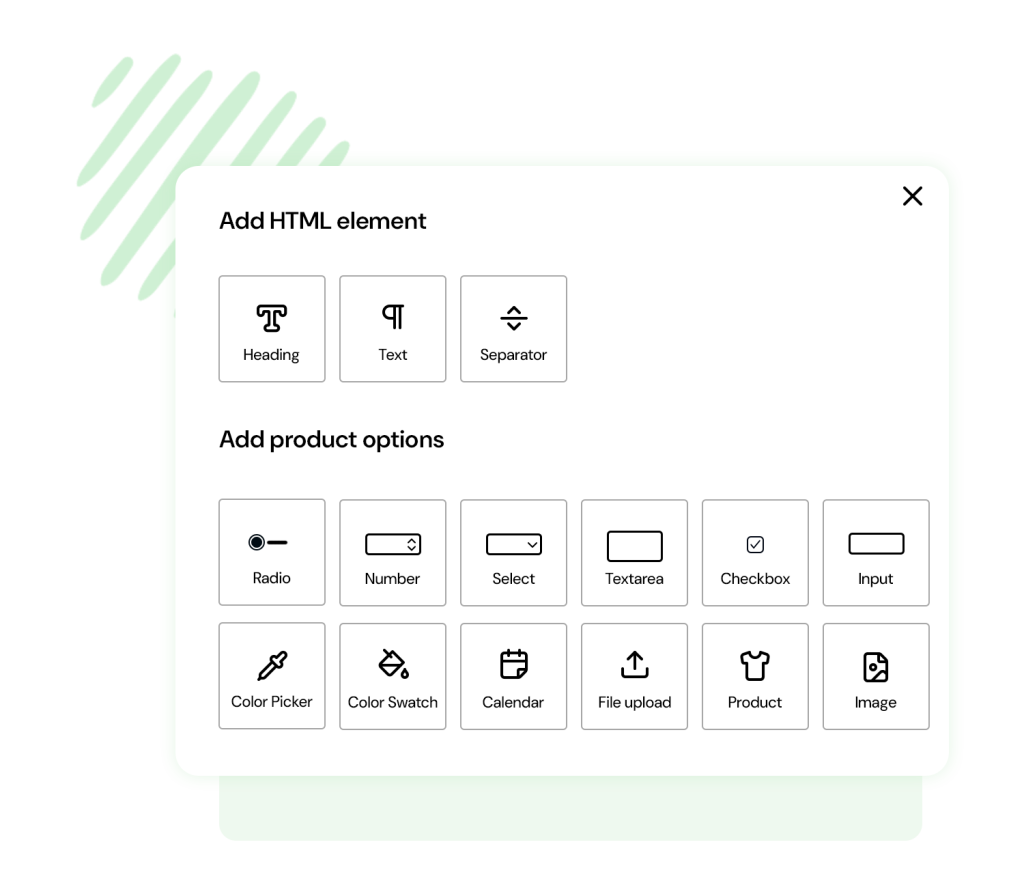
Configure options using the plugin’s comprehensive element library: text fields, select dropdowns, radio buttons, checkboxes, images, date pickers, upload fields, color swatches, and more.
Create Smart Conditional Logic
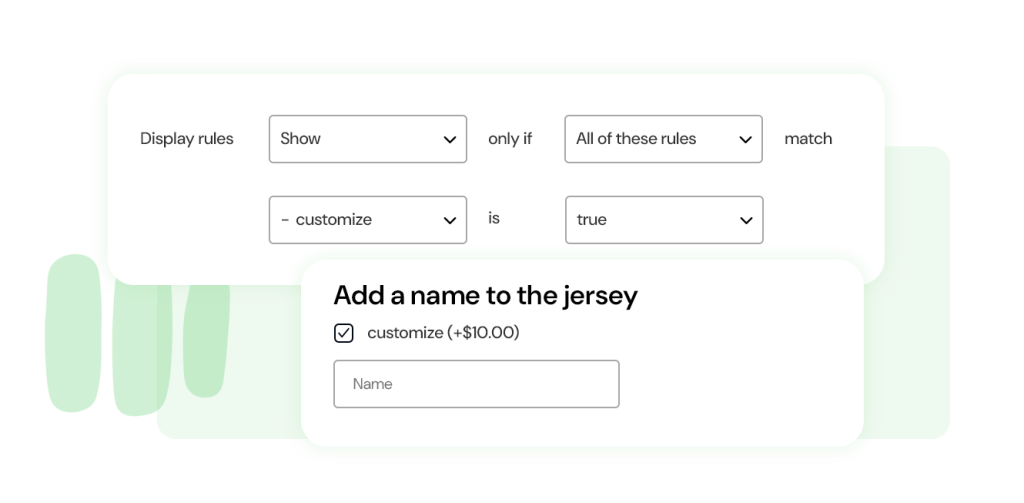
Create smart dependency rules to show or hide options based on user selections (e.g., display the Upload field only if “Customize product” is selected).
Additional services
Offer additional services directly on your product pages (warranties, insurance, special transfer services, customizations, etc.) to increase average order value.
Boost sales for related products
Promote optional or related products alongside the one customers are viewing to encourage larger, combined purchases.
Enable File Uploads for Custom Orders
Allow customers to upload photos, images, or files to request fully customized products.
Free vs. Premium
The free version is available in our All-In-One plugin for Woocommerce.
| Free | Pro | |
| Global Settings | ||
| Product Settings |
Looking for a light weight alternative to WooCommerce Subscriptions?
| Features | Easy Subscriptions for WooCommerce | Official WooCommerce Subscriptions |
|---|---|---|
| Automatic payment renewal | ✅ | ✅ |
| Separate shipping cycles | ✅ | ❌ |
| Paypal, Stripe, Woopayments compatible | ✅ | ✅ |
| Beginner friendly setup | ✅ | ❌ |
| Extra extensions need for features | ✅ | ❌ |
| Lifetime and agency plans | ✅ | ❌ |
| Price | Starting at $99/year | $279/year |
The ultimate way to add free or paid options to your WooCommerce products
If you sell jewelry, you may need engraving fields, carat selection, or metal color options. Selling custom T-shirts or mugs? You’ll need file uploads for customer designs. Running a tech store? Offer extended warranties, setup services, or configurable specs like RAM, processor, and screen size.
Some options may increase the price, while others appear only when specific selections are made. Managing all this requires a powerful, flexible solution.
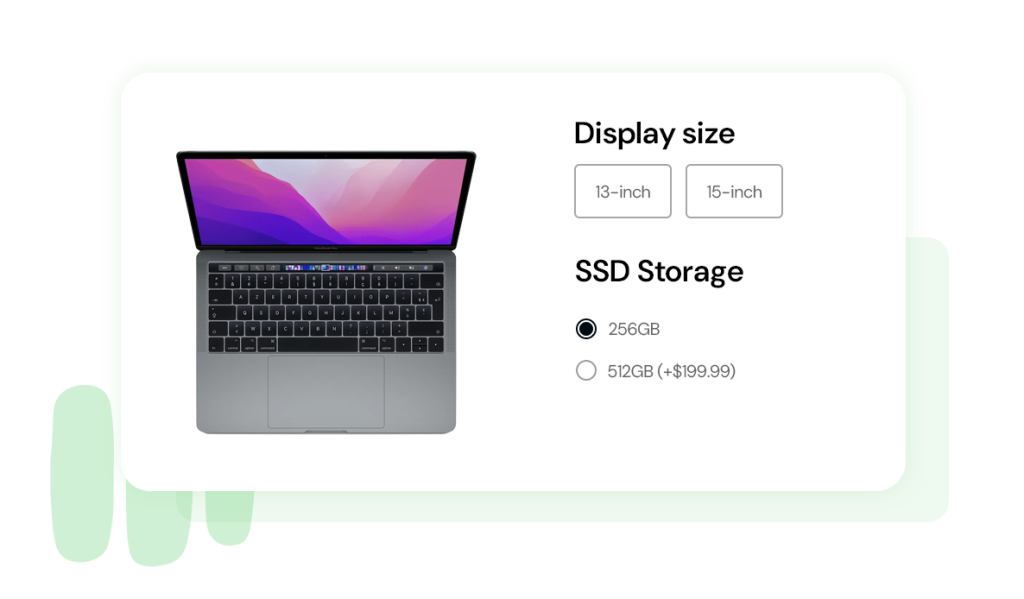
Appalify WooCommerce Product Add-ons & Extra Options lets you create unlimited option blocks and add fields from a rich library: text inputs, dropdowns, checkboxes, image selections, file uploads, date pickers, and more. Assign extra costs to any option and automatically update the product price.
Create unlimited option groups for specific products or entire categories
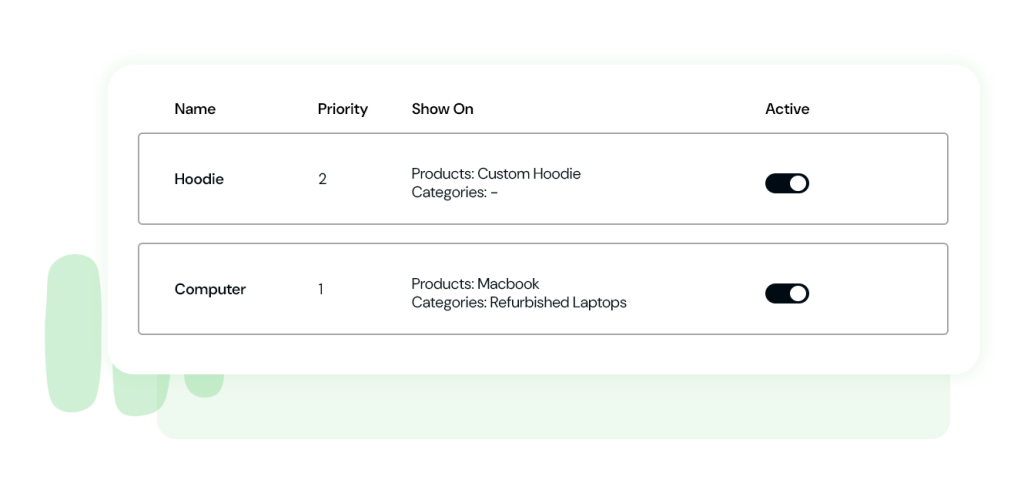
Build as many option groups as needed and assign them to selected products or whole categories. You can create one group for a category, another for an individual product, and additional groups for other specific items. The plugin lets you configure unlimited groups, each containing unlimited options—putting maximum flexibility at the core of the experience.
Create unlimited option groups for specific products or entire categories
Build as many option groups as needed and assign them to selected products or whole categories. You can create one group for a category, another for an individual product, and additional groups for other specific items. The plugin lets you configure unlimited groups, each containing unlimited options, putting maximum flexibility at the core of the experience.
Fill each group by selecting one or more options from the library
Add options to any group by choosing from the built-in options library. Display product choices using checkboxes, dropdown menus, file upload fields, text inputs, color swatches, text labels, image labels, date pickers, and many other input types to suit your needs.
Define pricing for each option, including regular, sale, or percentage adjustments
Set pricing rules for every option individually. Options can be free, add a fixed or percentage-based surcharge to the product price, or apply a discount instead. You can also configure special pricing logic, such as including the first selected options at no extra cost (e.g., the first three pizza toppings are free, while additional ones incur an added fee).
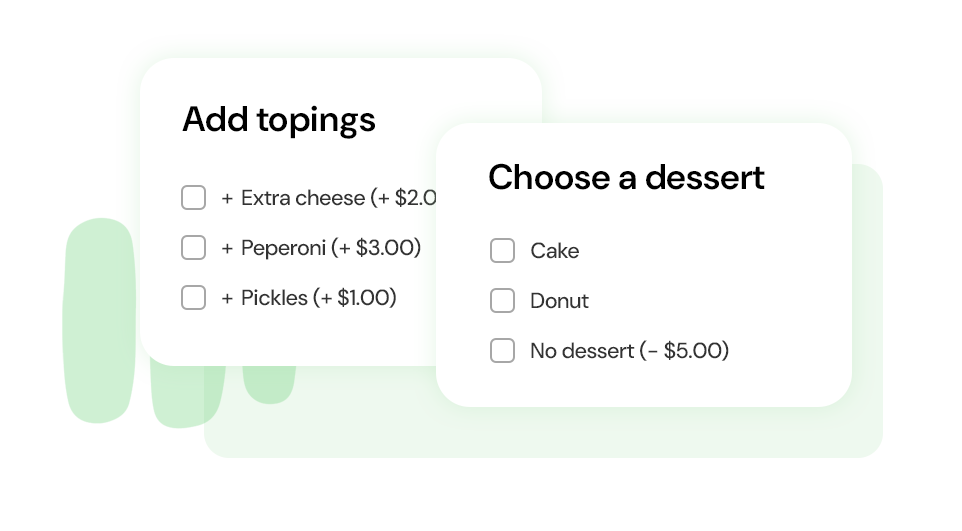
Define pricing for each option, including regular, sale, or percentage adjustments
Set pricing rules for every option individually. Options can be free, add a fixed or percentage-based surcharge to the product price, or apply a discount instead. You can also configure special pricing logic, such as including the first selected options at no extra cost (e.g., the first three pizza toppings are free, while additional ones incur an added fee).
Create conditional rules to show or hide options based on selections
Use dependency rules to dynamically display or conceal options according to the user’s choices. For instance, you can hide delivery date and time fields unless home delivery is selected, or reveal a file upload field only when product customization is chosen.
Control who can see each set of options
Set visibility rules for every option group. Choose whether options are available to all visitors (including guests), only registered users, or restricted to specific user roles.
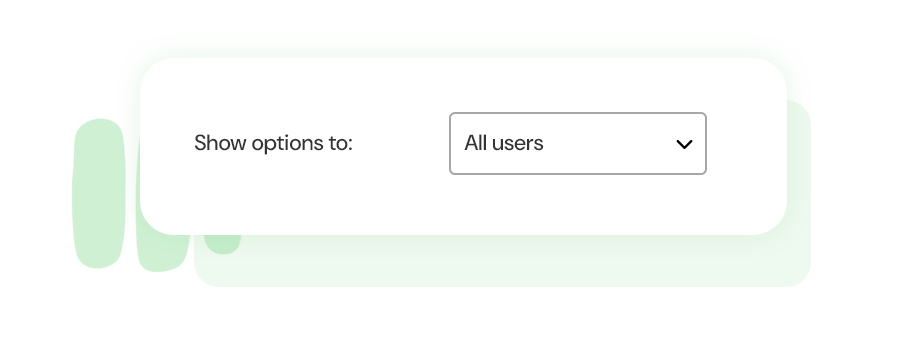
Control who can see each set of options
Set visibility rules for every option group. Choose whether options are available to all visitors (including guests), only registered users, or restricted to specific user roles.
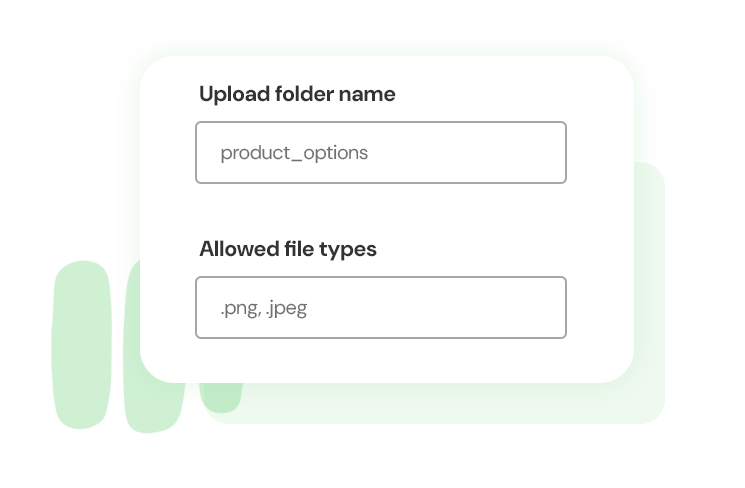
Manage file upload permissions and attach uploaded files to orders
When using upload fields for documents, images, or other files, define allowed file types and maximum file sizes through built-in settings. You can also enable automatic attachment of uploaded files to order confirmation emails and specify the folder where files will be stored for streamlined management.
FAQ
Does it work with page builders?
Yes. The plugin works with popular page builders such as Elementor and Divi. As long as the WooCommerce product form is included on the page, your add-on options will display correctly.
Can I control the stock for options?
Stock management is available for “Product” option sets. When you use existing WooCommerce products as add-ons, their inventory will automatically decrease after purchase.
Can I display the SKU for an add-on?
Yes, you also have the option to show its SKU.
Can I limit how many characters a customer enters in a text field?
Yes. You can define both minimum and maximum character limits for text fields within each add-on’s settings, ensuring customers meet your input requirements.
Does it support product variations?
Yes. The add-on fields are fully compatible with product variations, and you can adjust the position of the form relative to the variation options.
What if the plugin isn’t the right fit for my shop?
If you decide within 30 days that the plugin isn’t right for your shop, you can request a full refund. No questions asked. Try it risk-free and see if it works for you.
Are selected options shown on the cart, checkout, and order pages?
Yes. Chosen options appear in the cart, checkout, order details, and order emails. If needed, you can hide them from specific areas using the advanced field settings
Do you offer lifetime and annual licenses?
Yes. Both Annual Subscription and Lifetime License options are available.
Can I upgrade to a Lifetime License later?
Yes. You can upgrade from an annual plan to a Lifetime License through your account page to continue receiving updates and support without yearly renewals.
Where can I find my license key?
Once your purchase is complete, you will receive an order confirmation email containing your license key details.
Reviews
It’s one of those plugins that quietly improves your store. Customers get more choices, and we get slightly bigger orders.
Helped us offer engraving options without custom coding. For a small business, that’s huge.
Does what it promises. We use it daily and haven’t run into any major issues.
Clean layout in the backend and easy to manage. I was worried it would be messy, but it’s organized well.
Customers can now choose extras directly on the product page, which makes checkout smoother. Definitely an improvement for our store.
Very practical plugin. It solves a real problem without overcomplicating things.
